Config
Since you've created an account on one of the Supported Providers, you need to configure the provider to proceed with the activation of the module.
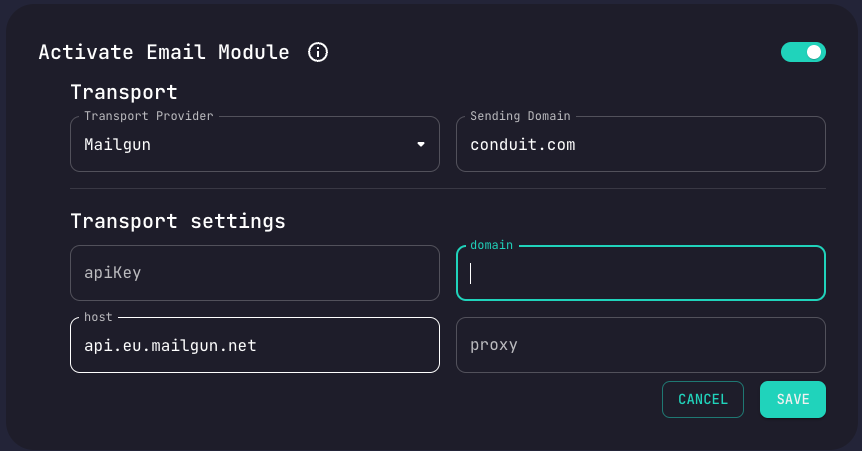
Mailgun
Sending Domain
See here how to Verify Your Domain.
Api Key
See here how to Find Your Api Key that is linked with your account.
Host
See here for mailgun host documentation.
Mandrill
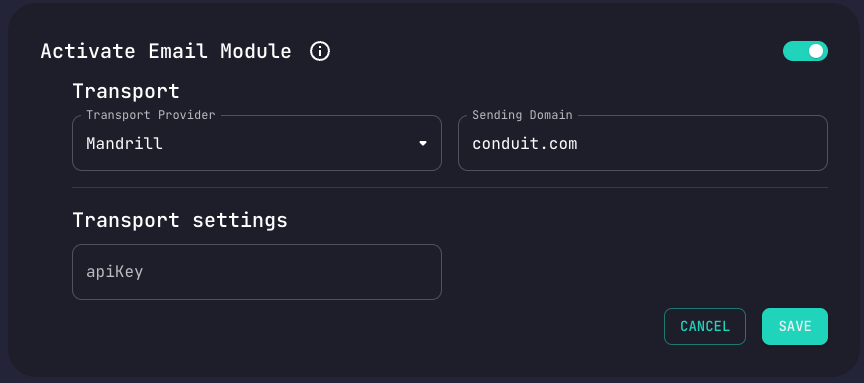
All you need to start sending e-mails through mandrill provider is the Api Key.
Api Key
Since you are logged in your mandrill account:
- Go to Settings in your Mandrill account.
- Click + New API Key.
- Enter a description of the key.
- Click Create API Key.
Sendgrid
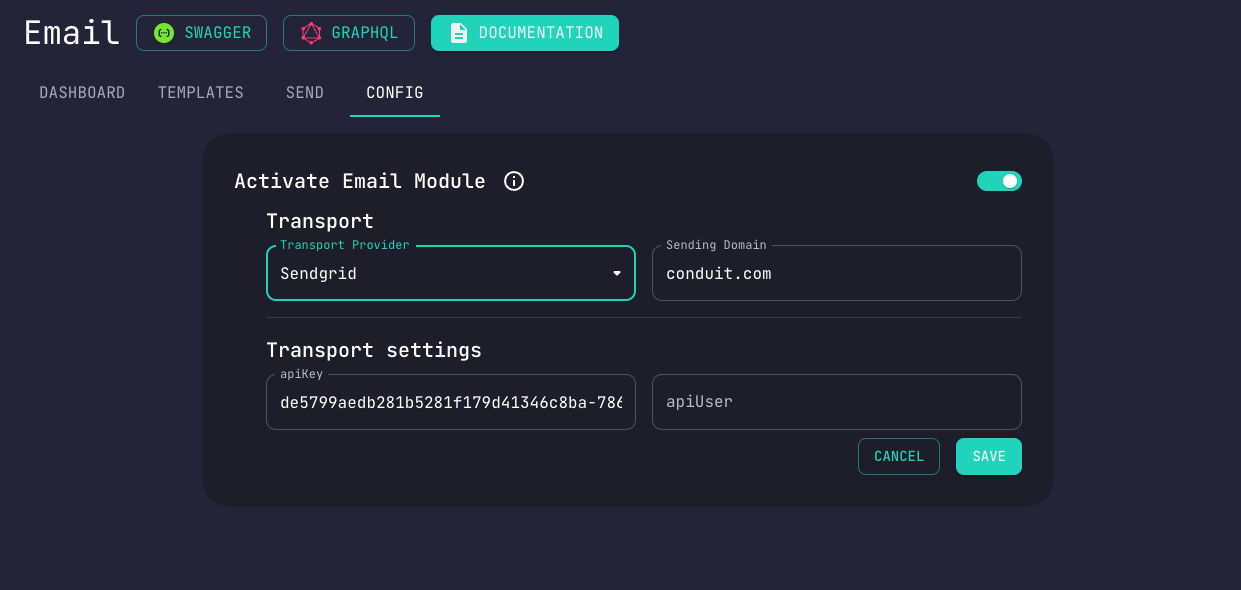
Only Api Key is required.
See how to Manage Sendgrid Api Keys.