Chat Configuration
Configure the Chat module through the Admin Panel.
Access Configuration
- Open Admin Panel
- Navigate to Chat > Settings
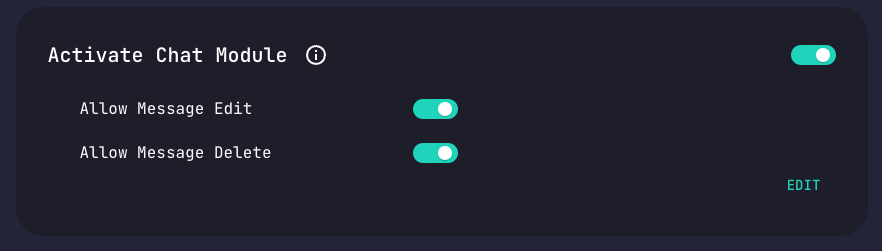
Available Options
| Setting | Description | Default |
|---|---|---|
| Allow Message Edit | Users can edit their messages | Enabled |
| Allow Message Delete | Users can delete their messages | Enabled |
Updating Configuration
- Modify desired settings
- Click Save
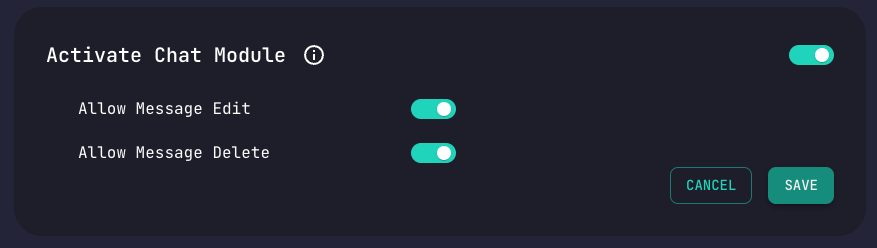
Changes take effect immediately.
WebSocket Configuration
Chat uses WebSockets on Router's socket port:
| Variable | Default | Description |
|---|---|---|
CLIENT_SOCKET_PORT | 3001 | WebSocket server port |
Connection Settings
When connecting via WebSocket:
| Setting | Value |
|---|---|
| URL | http://localhost:3001/chat/ |
| Handshake Path | /realtime |
| Authorization | Bearer token in header |