Admin Panel
The Admin Panel is the command center for managing your Conduit deployment.
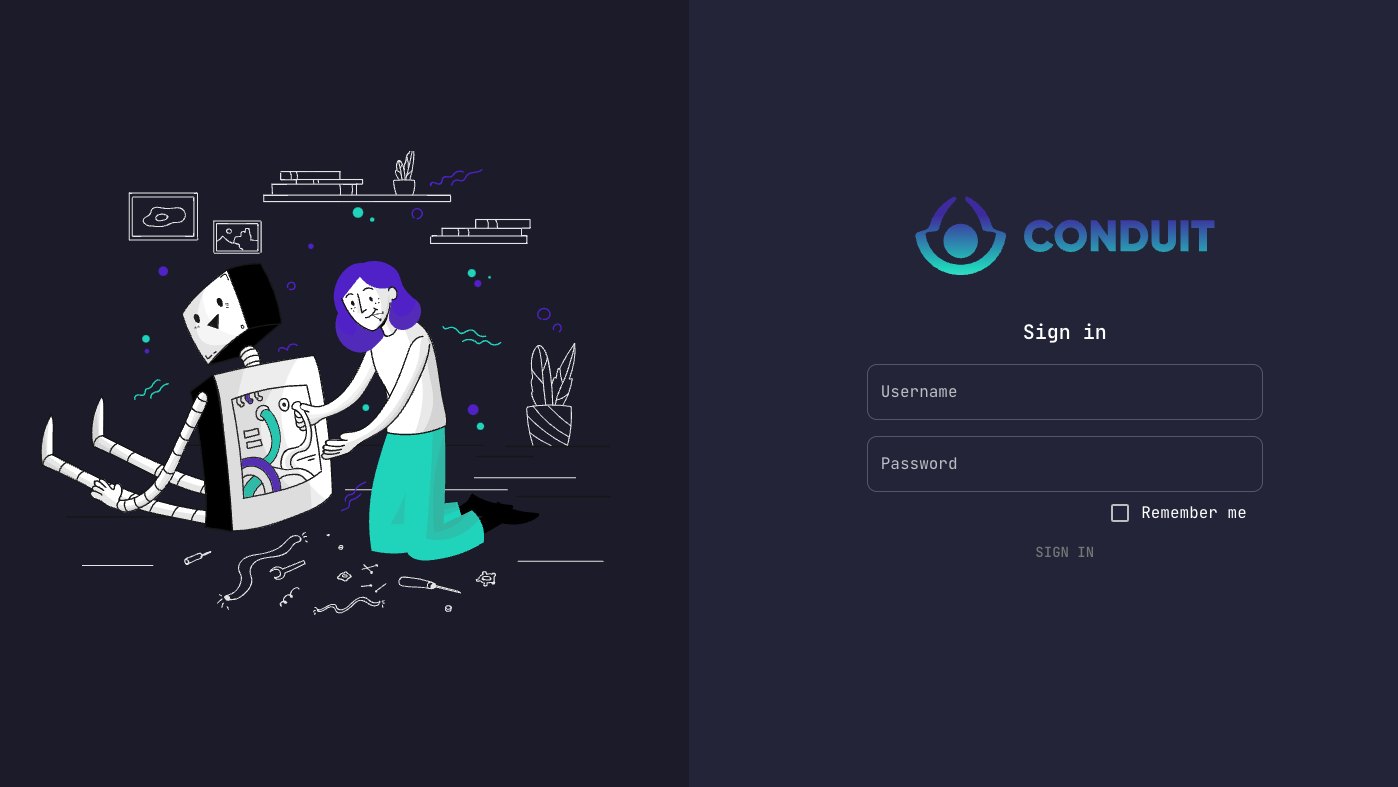
Default credentials: admin / admin
Overview
From the Admin Panel, you can:
- Create and manage database schemas
- Configure custom endpoints
- Set up authentication methods
- View logs and metrics
- Administer users
- Configure module settings
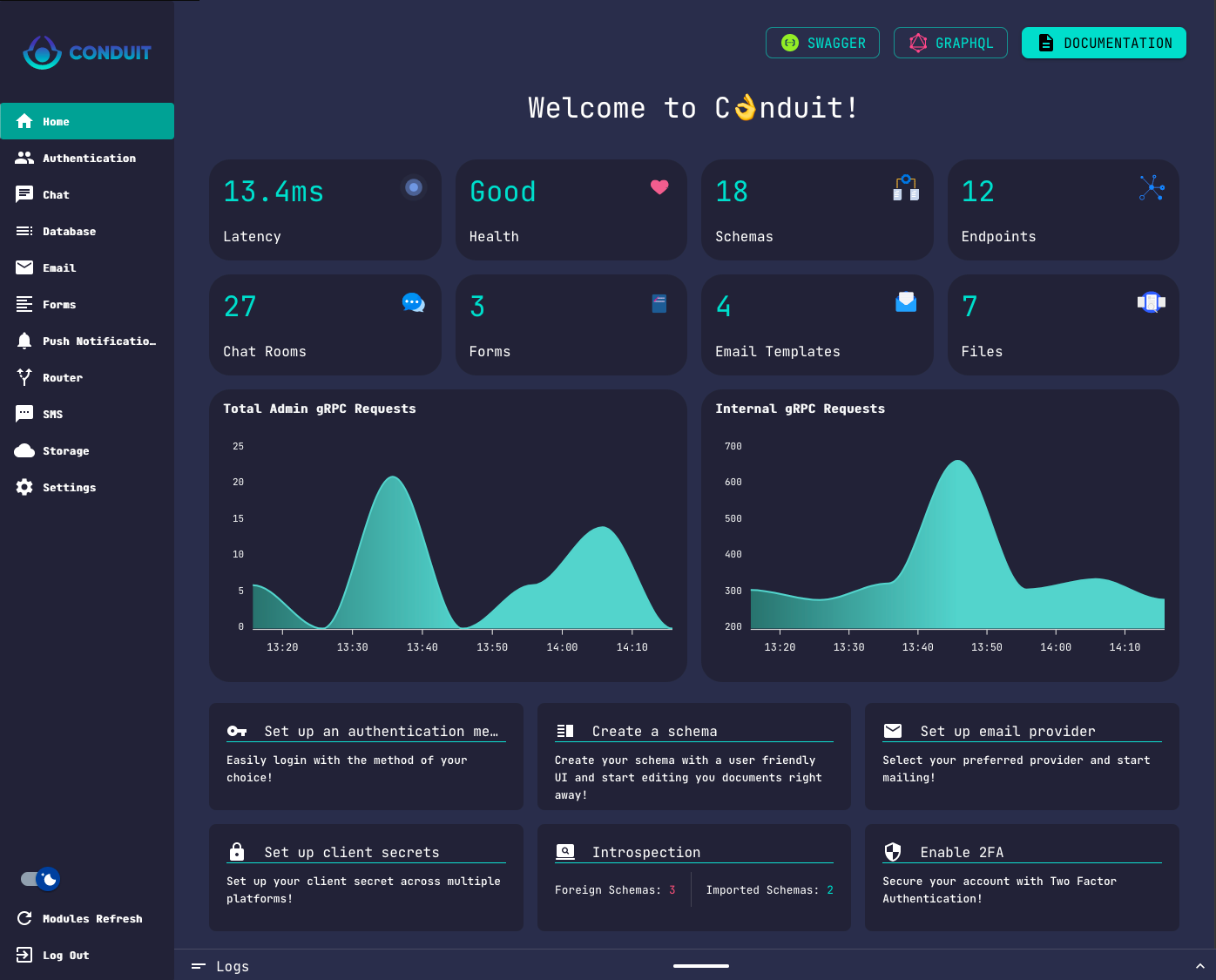
Navigation
The left navigation pane displays:
- Available modules - Online modules with their features
- Offline modules - Listed at the bottom
- Settings - Core configuration options
- Log out - Session management
Module Management
Each module has its own dedicated page accessible from the navigation:
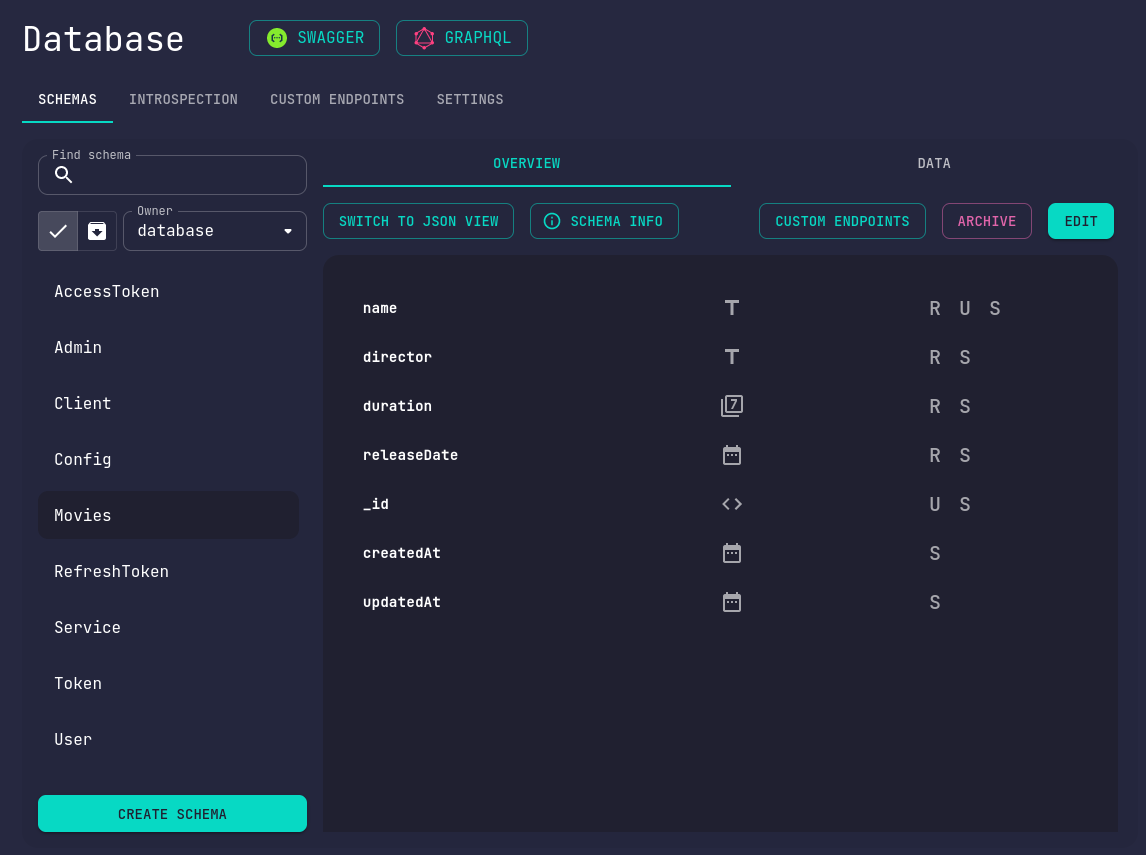
Configuration
Configurable modules provide a Settings tab where you can:
- View current configuration
- Update settings
- Enable/disable features
For module-specific administration details, see the Modules documentation.
Documentation Access
Click the Documentation button in the top-right corner of your homepage to quickly access these docs.