Configuration
Bring up the admin panel and head to the module's administration page,
selecting the Config tab.
Available Providers
Choose your storage provider.
Local
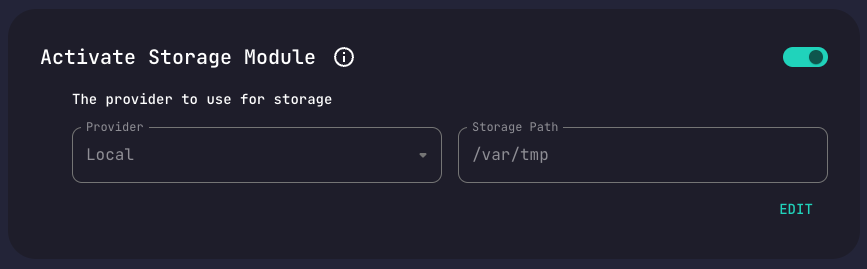
Stores files locally.
You may specify a custom storage path root for your files.
Files are saved under /var/tmp by default.
Azure
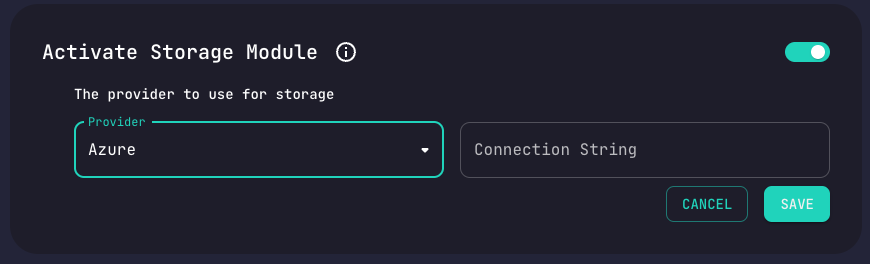
Stores files on Azure Cloud.
Requires an Azure connection string.
Google
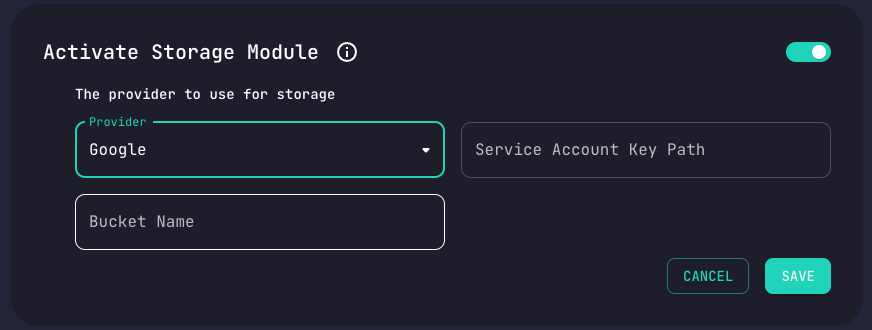
Stores files on Google Cloud.
Requires a Google service accound key path
and bucket name.
Amazon S3
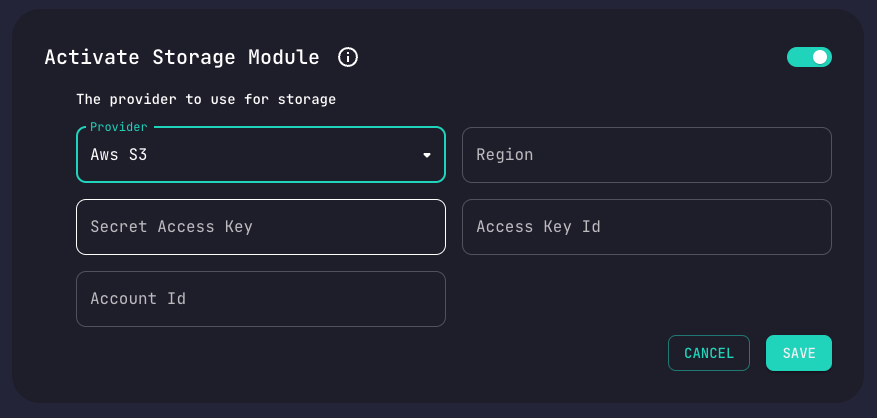
Stores files on Amazon S3 Cloud.
Requires a region as well as an account id, access id and access secret.
Read more about Amazon credentials.
Updating the Module's Config
Edit the configuration and save your changes.
That's it. Your configuration is now updated.